The Shop Loop
CNC shop scheduling, connected to the work.
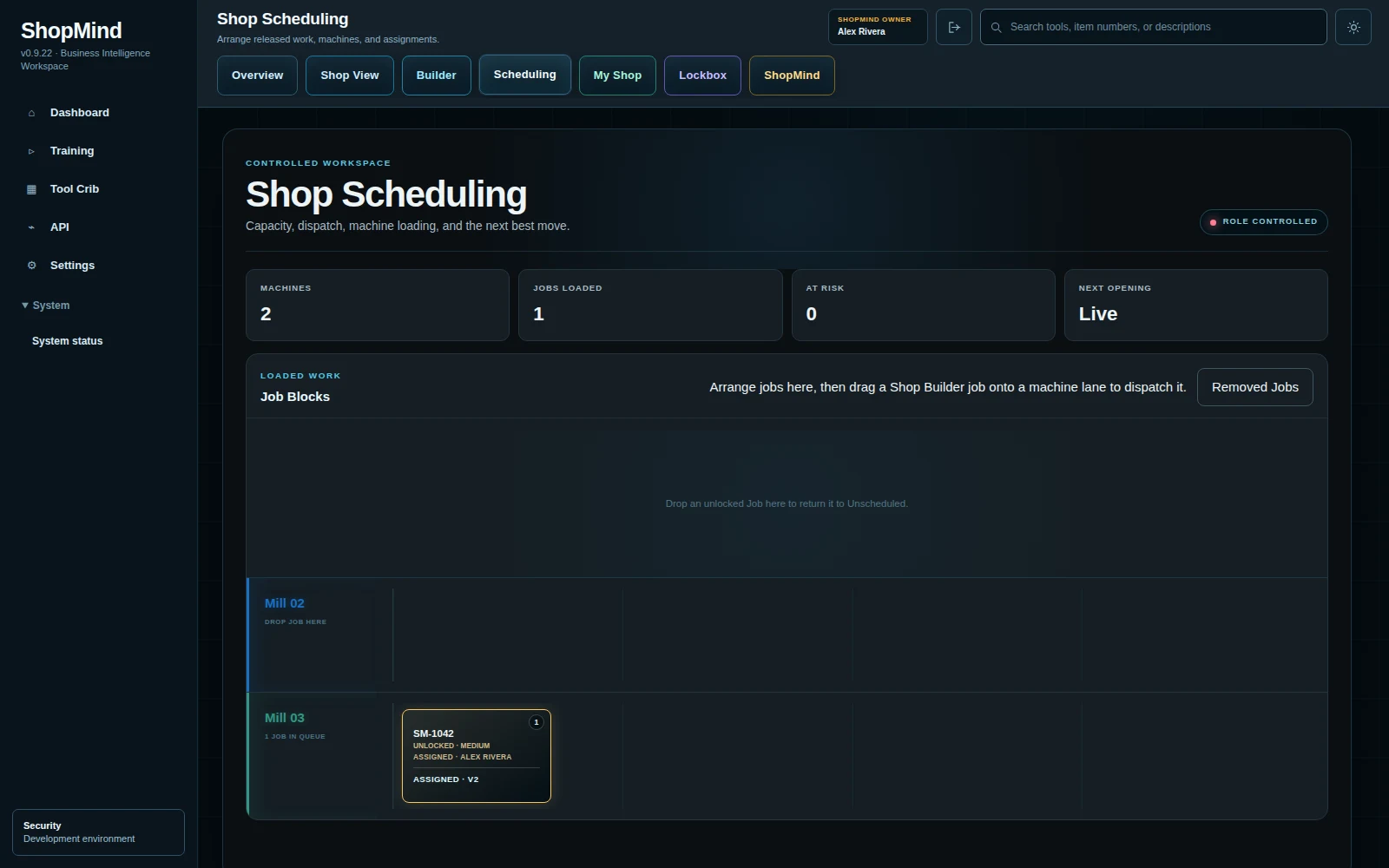
Assign operations and routes to people, then follow execution through My Shop and Shop View.
Start with the job route
Build the job and its operations in Builder before scheduling the work. Quantity, material and step instructions give the assignment useful context.
Assign the right work
Choose an operation or route and assign it to a person. For example, programming and setup can be separate operations with different people responsible.
Execute through My Shop
Operators follow assigned work and clock into an operation in My Shop. More than one person can clock into the same operation when the job needs help.
See activity in Shop View
Use Shop View to see who is working and the job or machine connected to their activity. The schedule expresses the plan; clock-ins show work taking place.
See the connected workflow.
Watch the 60-second tour of RFQs, quotes, Builder and recorded work.
Watch the Shop LoopExplore digital job travelers →