The Shop Loop
Digital job travelers, from plan to floor.
Carry the job route and step-by-step instructions from Builder into the work operators follow in My Shop.
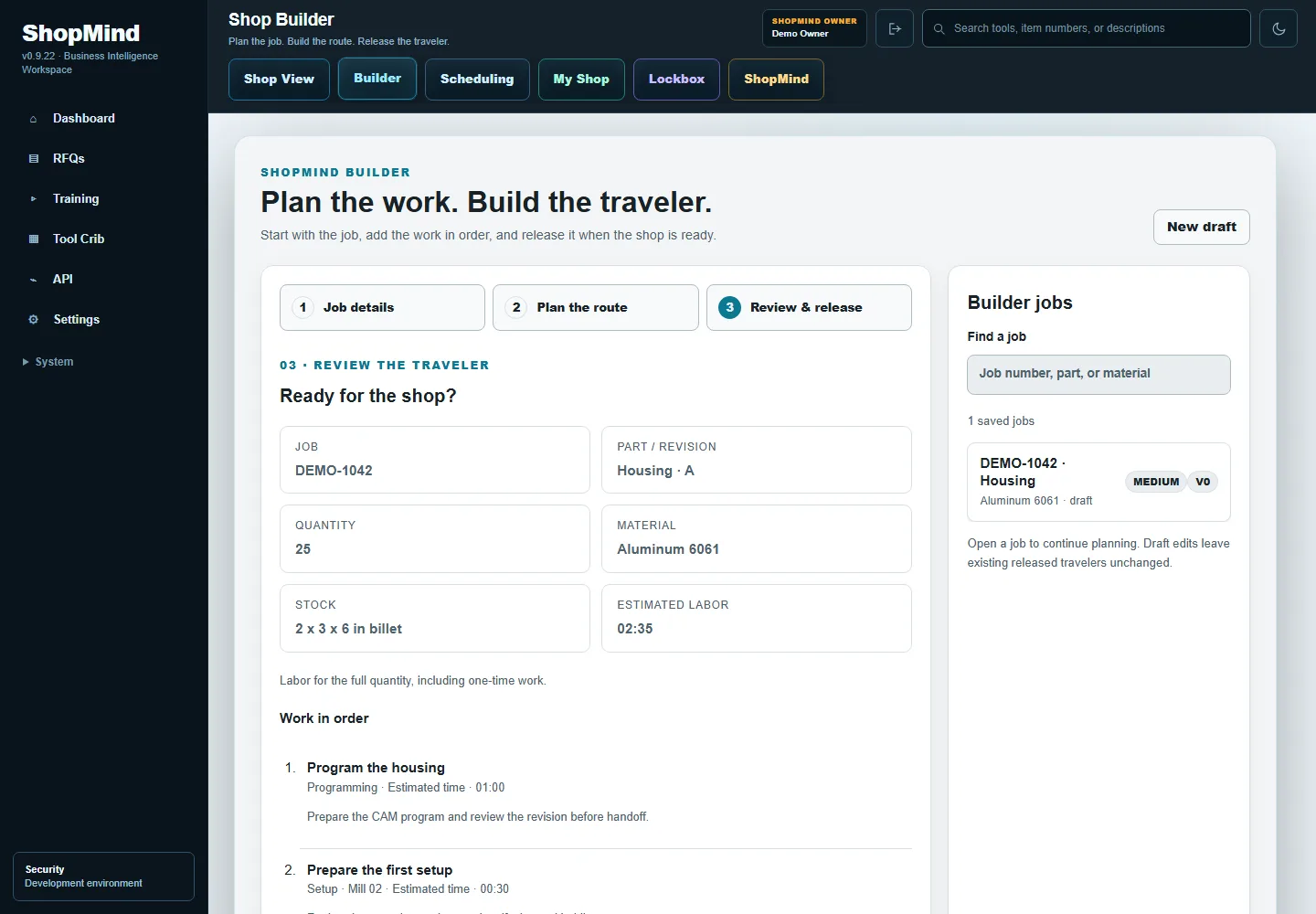
Build the job
Start with the job quantity and material, then define the route in Builder. Organize the work into operations such as programming, setup and machining.
Write instructions for each step
Give the next person enough context to follow the operation. Keep the sequence and setup information with the job rather than relying on a separate conversation.
Release and schedule
Release the traveler when the plan is ready, then assign the route or individual operations in Scheduling. The traveler connects those assignments to the instructions.
Follow the traveler in My Shop
Operators use My Shop to follow the assigned work and track their activity. Use what you learn during execution to improve the next setup in Builder.
See the connected workflow.
Watch the 60-second tour of RFQs, quotes, Builder and recorded work.
Watch the Shop LoopExplore CNC shop scheduling →