Built for CNC shops and job shops
Review ShopMind when you need RFQs, quotes, job routes, people and recorded shop-floor work connected in one workspace.
THE SHOP LOOP / A PRACTICAL WALKTHROUGH
From the first RFQ to recorded programming time, see how ShopMind keeps the next step connected to the job.
Review the RFQ
Upload an RFQ or create the request manually. Review the customer, part, revision, quantities, material and delivery requirements. Confirm uncertain or missing details before carrying the work forward.
Before the next stepConfirm the revision and quantities before quoting.
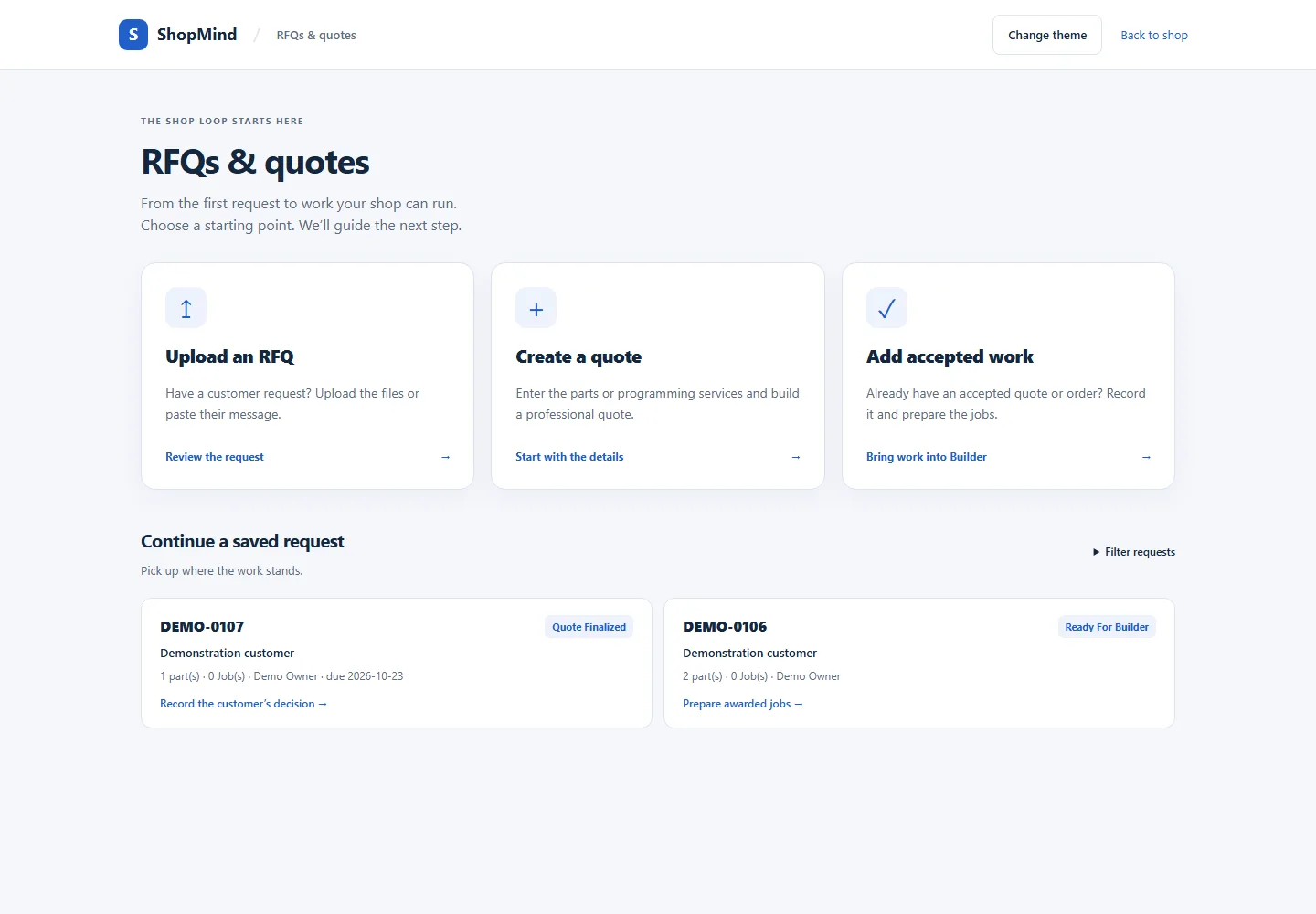
Prepare the quote
Set your prices, review the selected parts and quantities, and prepare the customer-facing quote PDF. Keep commercial terms clear. Your shop reviews and owns the price; extracting a requirement does not establish a machining cost.
Before the next stepReview scope, price and terms before sharing the quote.
Record the award
When your customer accepts, record the award and review which parts and quantities are moving forward. Already have accepted work? Start from that information and review the job handoff.
Before the next stepRecord the actual customer decision and accepted scope.
Build the route
Carry the awarded requirements into Builder. Organize Programming, Setup, Machining and Inspection as needed. Add instructions and internal time estimates, review the sequence, then release the traveler when the plan is ready.
Before the next stepKeep internal labor estimates separate from the customer’s price.
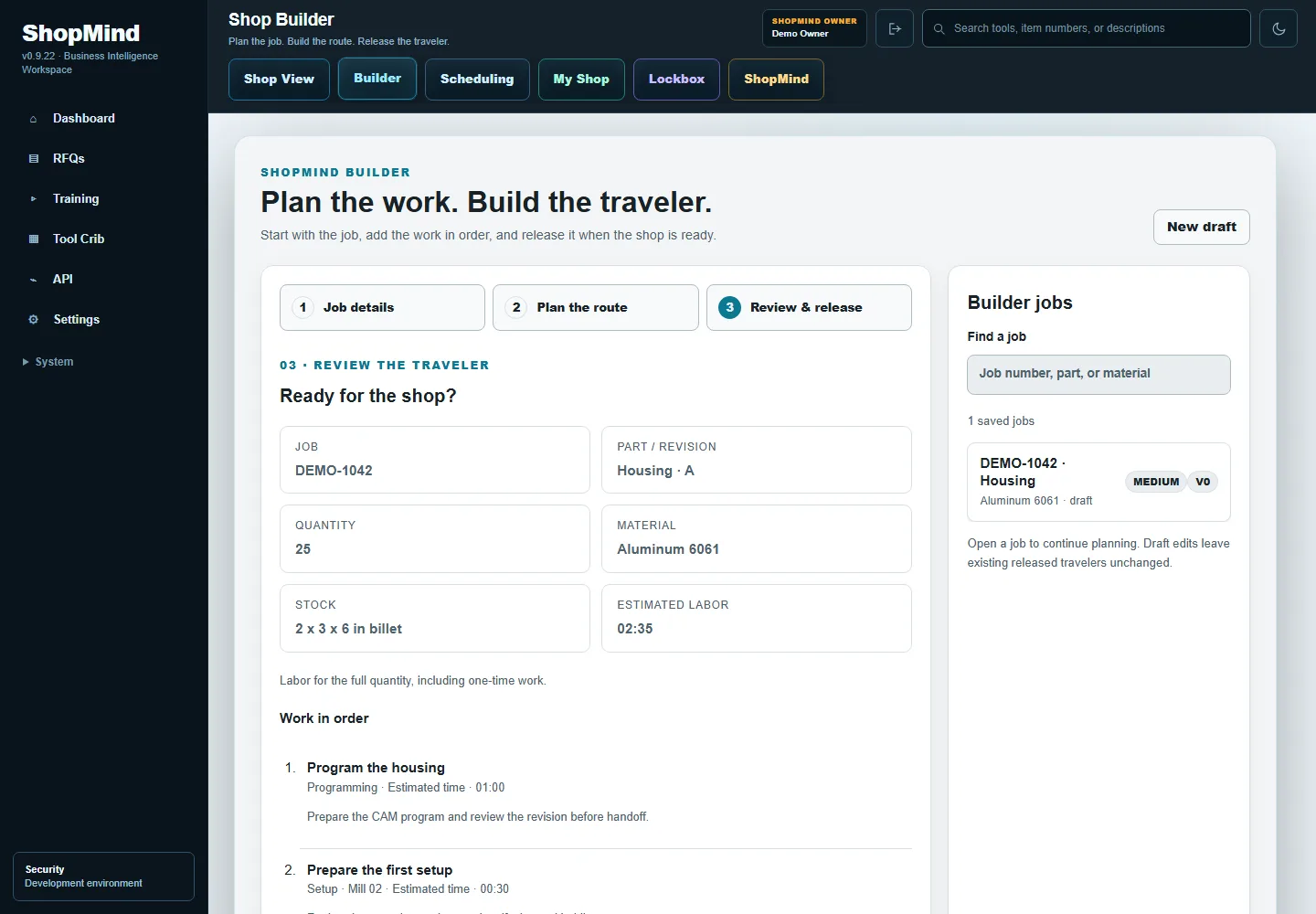
Schedule & program
Assign a route or individual operation to the right person. Record programming work against its operation while using your CAM system. The job keeps the plan and recorded activity together as the work moves toward the floor.
Before the next stepCheck the job and operation before clocking in.
Follow the work
Follow assigned operations through My Shop and see recorded activity in Shop View. Review job time against the released estimate, complete the work, and retain the record to inform the next run.
Before the next stepUse recorded work to review what happened on the job.
IS THIS HOW YOUR SHOP WORKS?
Review ShopMind when you need RFQs, quotes, job routes, people and recorded shop-floor work connected in one workspace.
ShopMind focuses on quoting, planning and shop operations. Discuss accounting, payroll and integration requirements before deciding on your system.
Core starts at $100 per month with 6 included seats, plus applicable tax. Professional and Enterprise include ShopMind Intelligence. Review the full plans and allowances before signup.
Compare plans and included seats →BRING ONE JOB. SEE HOW IT CONNECTS.
Ready to get started? US businesses can choose a plan and join online. Have questions about fit or onboarding? Tell us about your shop.
Monthly plans from $100 plus applicable tax. Workspace access opens after payment is confirmed.